
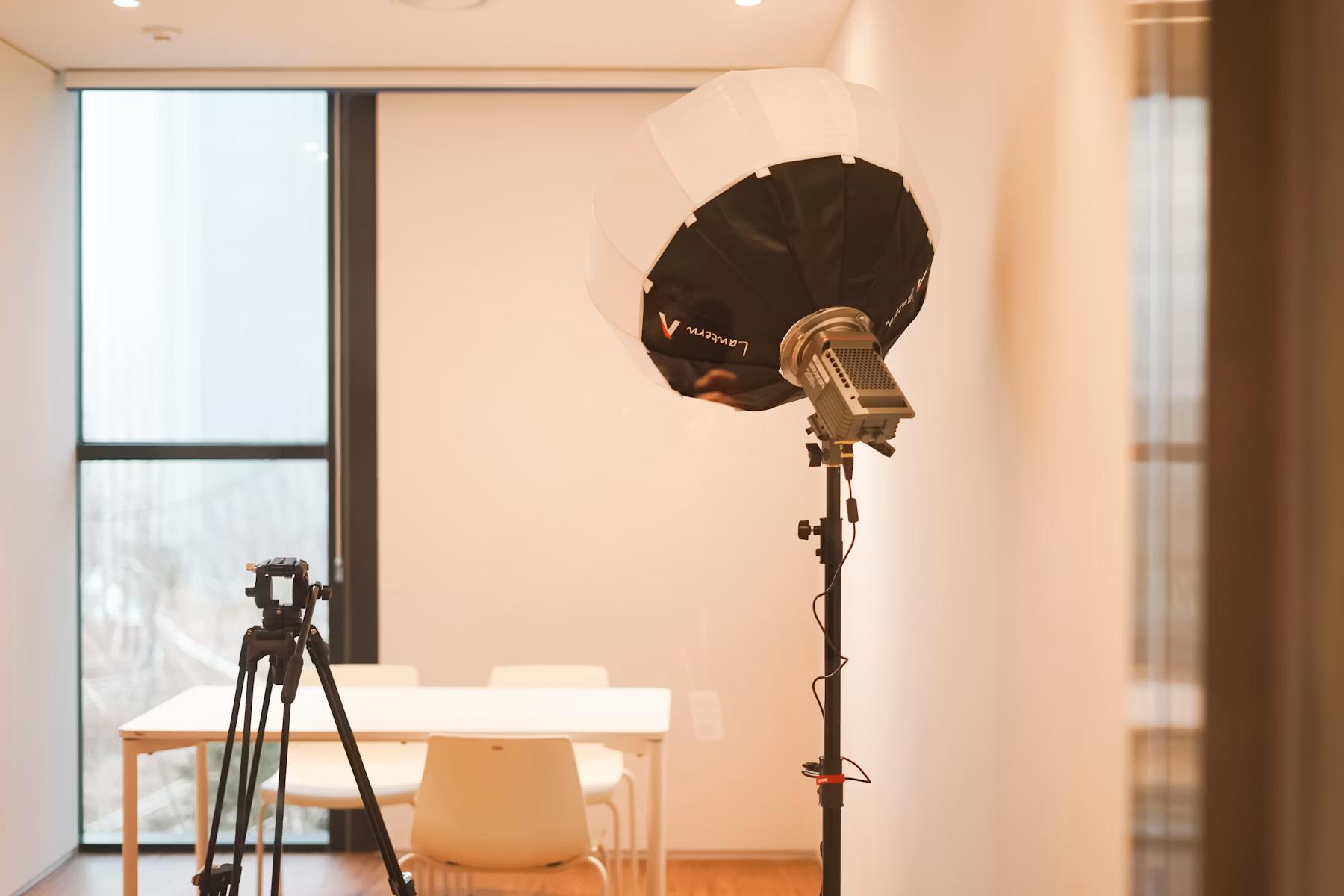
Camera and tripod in a room by JIRAN FAMILY Unsplash License
Rent Out a Room for Film, Photo or Content: Which Spaces Are Production-Ready?
Renting out a room can mean many things. For film, photo and content, the question is whether the room is production-ready and can handle a real shoot.
“Rent out a room” can mean anything: office, seminar room, atelier, studio, loft, kitchen, shop, practice, basement or garage. For film, photo and content, the tighter question is whether the room is production-ready. If you want to offer a room as a location on SetScout, describe it like a shoot location, not a generic room rental.
Key Takeaways
- “Rent out a room” covers a lot; on SetScout, a room counts as a film location, photo location or content space.
- Production-ready means light, sound, access, power, toilets, rules and realistic crew size.
- Small rooms can work when the use case and limits are clear.
- A good listing actively excludes uses that do not fit.
Production-ready means image plus operation
A production-ready room does more than look good. It can be entered, loaded, lit, recorded, protected and reset. Productions check look, dimensions, light, sound, power, access, parking, restrooms, side areas, neighbors, rights, time windows and reset.
That is what separates SetScout from a generic room booking. A meeting room can be perfect for an interview but weak for a commercial if HVAC, glass walls, logos or building traffic cannot be controlled.
Room types that can work
Useful rooms often have a clear function: kitchen, bathroom, living room, workshop, office, reception, practice room, atelier, attic, storage room, showroom, seminar room, club room or garden house. Side areas make them stronger.
What SetScout captures
The host wizard covers category, tags, address, facts, amenities, technical notes, accessibility, photos, floor plans, areas, descriptions, price, rules and availability. For individual rooms, areas matter: one room may be the main motif, another only styling, a third off-limits.
Before a listing can go live, the essentials must be complete: price, location, description, category, tags, rules, availability and at least four finished images including a hero image.
Which requests do not fit
Not every request fits every room. A large crew in a small apartment, loud sound in a thin-walled building, heavy lighting without lift access, set build in a freshly renovated room or visible brands in an ad can be too much.
Use SetScout’s request review to decline or counteroffer when needed. If the room has clear rules, images and availability, add it to SetScout.
What production-ready means
A room is production-ready when a crew can work without solving basic problems on arrival. That includes the visible look and hard conditions: light, sound, access, power, Wi-Fi, toilet, heat, parking, neighbors, furniture and permitted hours.
Checklist before listing
- How many people realistically fit in the room?
- Which furniture can move or be removed?
- Which areas outside the room can be used?
- Which productions are excluded: night work, music video, smoke, animals, food or set build?
How the process works on SetScout
SetScout does not treat a host location like a loose classified ad. The listing captures category, tags, address, basic facts, facilities, photos, areas, rules, price, cancellation policy, booking lead time and availability, so productions can review practical conditions as well as the look.
A request is non-binding at first. It relates to a specific project and listing, and includes the requested dates, an offered price and a briefing — follow-up questions can be handled directly in the message thread. Hosts review the request in their inbox and can accept, decline or send a counteroffer with a changed amount.
After host acceptance, the production chooses between direct booking and a location visit (recce). If needed, the next steps are a final price agreement, the location contract and an insurance check. Payment runs through Stripe Checkout, and the host payout arrives in two euro instalments.
Practical checklist before accepting
Before accepting a request, hosts should run through the hard production points in writing. That way, an attractive location does not fail on shoot day because access, neighbors, protection or responsibility was unclear.
- Project type, scene use, crew size, shoot hours and requested areas are clearly named.
- Insurance, the contract, the point of contact and payment are clarified.
- Parking, loading, elevator, power, Wi-Fi, toilets and side rooms fit the request.
- Protection, cleaning, trash, reset and final inspection are discussed before acceptance.
- Neighbors, house rules, owner approval and restricted areas are accounted for.
Recommended articles
More posts you might be interested in

none by Jakub Zerdzicki All photos and videos on Pexels can be downloaded and used for free.
Tax rules for income from renting out a film location
How to report profits from renting out your location correctly for German tax purposes
Inventorying film equipment before a location shoot by OpenAI image generation for SetScout Original image generated for SetScout; no third-party source image used
Film Equipment Insurance: Documenting Owned and Rented Gear
A practical checklist for cameras, lighting, sound and rented film equipment: confirm inventory, values, transport, storage and claims procedures before the shoot.
Film insurance for a production at a prepared location by OpenAI image generation for SetScout Original image generated for SetScout; no third-party source image used
Film Insurance for Productions: Coverage, Costs and Location Risks
Which insurance modules a film production should review, which details affect the premium and how to include locations properly in the risk assessment.