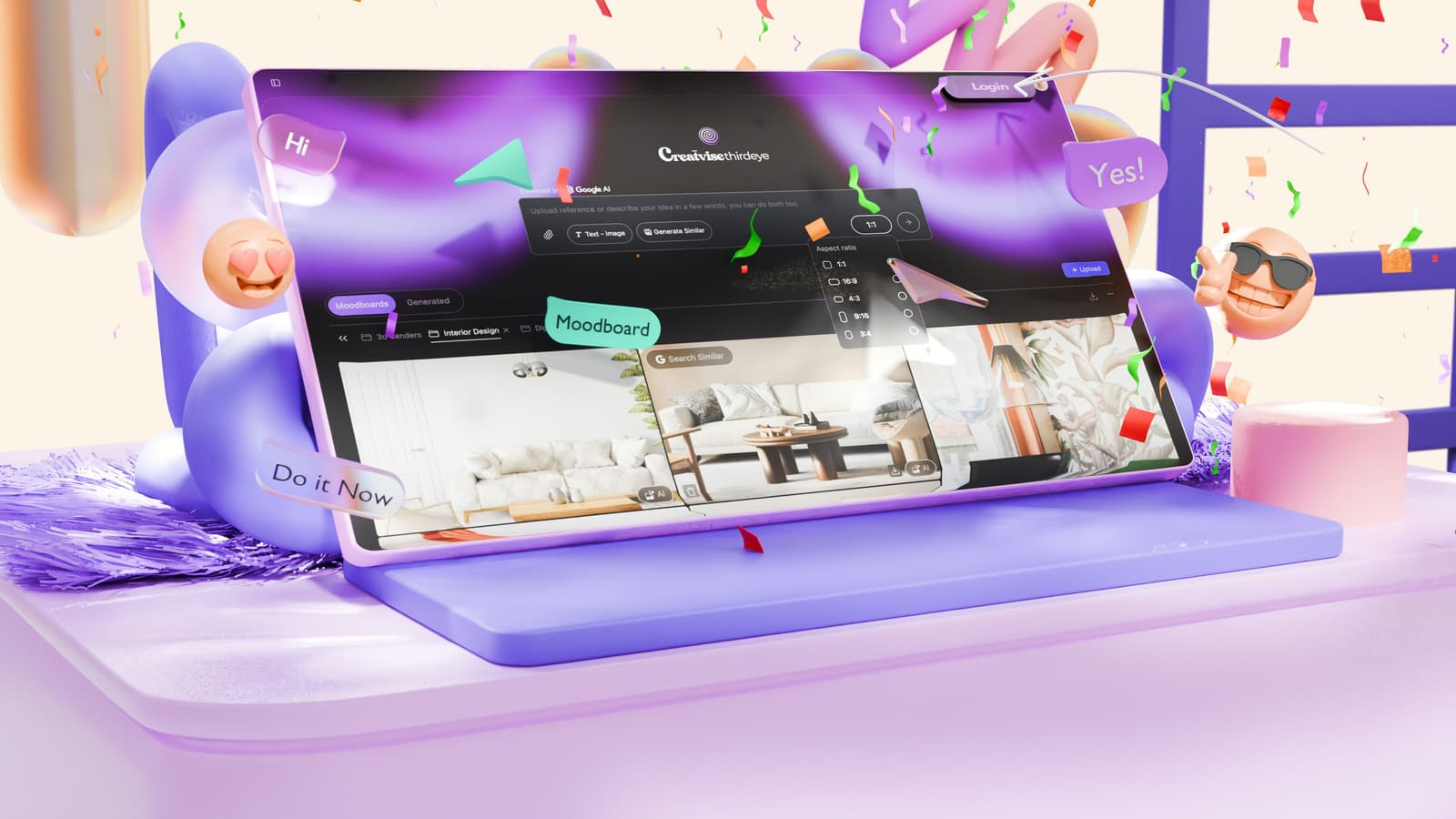
Interior design reference mood by Creatvise / Unsplash Unsplash License
A reference image helps location search only when it is translated into architecture, light, material, scale, mood and production constraints.
A reference image can make film location search faster, but only if you read it correctly. A moodboard rarely says “find this exact place.” It shows architecture, light, material, camera distance, mood and limits that need to become searchable criteria.
If you only search for “something like this image,” you often get beautiful but unusable options. If you can explain why the image works, you can find better locations and reject weak ones earlier.
This guide shows how to turn film stills, Pinterest boards, campaign images or AI references into a concrete location request.
A reference image can sharpen taste. It shows whether you mean an old apartment, brutalism, sterile offices, warm timber, industrial depth or a tight residential kitchen. It can also show which mood is non-negotiable.
It cannot prove that a place is available, affordable, permitted or shootable. A picture says nothing about lifts, parking, power, fridge hum, neighbors, house rules, permission to change the space or usage rights.
Treat the reference as the start of language. The goal is a brief that a scout, host or search system can understand.
The first translation step is architecture. Instead of writing “like the image,” name the period, room type, proportions and visible structures.
Many references work because of light, not the underlying place. Ask whether you need that room or whether you need soft side light, hard sun through a window, backlight, night mood or a dark corner with practical lamps.
If light is the main reason, search by window size, orientation, blackout options and control. A similar apartment with different light can miss the moodboard.
Color and texture are often easier to find than an identical room. Do not stop at “warm” or “edgy.” Describe the visible surfaces.
A still can make a room feel larger than it is. Wide lenses, low camera height, open doors and long sightlines create depth. Search criteria should include room size, ceiling height, axes and movement area.
If the reference only works in a tight crop, a smaller place may be enough. If the scene needs movement, an ensemble or a long camera move, the location needs more room than the image appears to show.
Moodboards often ignore the details that later cause problems: brand surfaces, art, private photos, paperwork, monitors, client lists, house numbers or neighbors in frame.
State early what may be visible and what may not. For hosts, that can matter more than whether the wall color fits.
Google Lens describes itself as search for what you see. Google Multisearch combines image and text so searchers can refine a visual object with additional words. Pinterest Lens follows a similar logic for visual inspiration.
For location scouting, do not upload only an image. Add terms such as “period kitchen Berlin,” “wide hallway daylight,” “concrete office glass wall,” “small workshop patina” or “no logos, quiet, ground floor, parking.”
A strong search brief has three layers: required visual traits, flexible style traits and hard production conditions. This prevents you from confusing perfect images with unusable locations.
If a reference image comes from a campaign or film still, also ask whether you are citing mood or getting too close to protected design. That does not replace legal review, but it prevents blind copying.
Weak: “We need a location like the moodboard, modern, cool, high-end.”
Better: “We are looking for a bright modern apartment or loft with large window axes, exposed concrete or neutral walls, at least six meters of camera distance, quiet sound for dialogue, few visible private details, use for eight people from 9 to 16 and permission to move two lightweight furniture pieces.”
The second request is longer, but much easier to answer. It makes the real search visible.
SetScout is useful when the brief starts with an image. Use reference-image search to find similar places, then add concrete filters and text criteria: city, room type, crew size, daylight, sound, access, budget and no-gos.
The image remains the creative starting point, but the decision is based on a real production brief.
Yes, as visual orientation. Search for traits rather than a copy: architecture, light, material, scale and mood. Then check whether the real place is accessible, quiet, affordable and cleared for your production.
Three to six strong images are usually enough. More images help only if you sort them: required look, light reference, material reference, no-go and possible alternative. An unsorted moodboard makes search less precise.
Write what matters in the image: windows, ceiling height, material, palette, tightness, depth, camera distance, time of day, mood and what you do not want. Then add production data such as crew size, duration, sound, access and budget.
No. Visual search can open the first search space and give better language for the look. The final decision still needs checks for access, agreement, host rules, sound, light, safety, availability and price.
More posts you might be interested in

Industrial interior location by Ümit Yıldırım / Unsplash Unsplash License
Searching film locations by motif works best when each category is briefed with look, era, rooms, logistics, rights and hidden constraints.
Production planning board by Walls.io / Unsplash Unsplash License
Production schedule templates, shot lists and storyboards help location planning only when they expose rooms, access, light, sound, permits and recce risks.

German city skyline by Florian Wehde / Unsplash Unsplash License
A practical comparison of Germany’s production hubs: Berlin, Hamburg, Cologne, Munich and Rhine-Ruhr by look, permits, crew base, transport, seasonality and private-location search.
