

Film clapperboard on a roadside by Jakob Owens / Unsplash Unsplash License
From Script to Location Shortlist: Turn Scenes Into Search Briefs
Turn a script into a usable location shortlist by extracting scenes, grouping motifs, spotting constraints and briefing search with production detail.
Script breakdown for location scouting does not mean copying every scene heading into a search box. The job is to turn scenes into real location requirements: motif type, image function, interior or exterior, day or night, movement, sound, rights, budget and reuse.
A useful location shortlist starts before the first inquiry. When the script is broken down properly, the team searches less randomly, groups motifs better and sees early which scenes need a recce, backup option or permit review.
Key Takeaways
- Extract scene requirements, not only places: action, eyeline, movement, sound, time of day, characters and technical consequences.
- Group recurring motifs before searching. A hero location needs a different level of review from a quick establishing shot.
- Translate every scene into a search brief with look, mandatory criteria, no-gos and open questions.
- AI can speed up the first structure, but ownership, availability, permits, agreement terms and recce stay human checks.
Start with a motif list, not a wish list
The first table should be plain: scene number, scene heading, interior or exterior, day or night, motif name, characters, action, technical notes and open questions. Look, moodboards and dream references come after that.
The reason is simple: a script describes story, not shootability. “Kitchen, night” only becomes useful when you know whether the scene is quiet, whether someone cooks, whether water runs, whether windows are on camera, whether neighbours are affected and whether the motif repeats across the script.
Read every scene for production consequences
For location search, the place is only the beginning. What matters is what the scene does to that place. A hallway can be a path, hiding spot, stunt area, sound problem, light axis or neighbour conflict. An apartment can carry intimacy or become the logistical centre of the shoot.
Mark these for every scene: movement, volume, effects, props, animals, children, water, smoke, background action, vehicles, violence, intimacy, sensitive content, window views, exterior connection and whether camera or lighting needs to sit outside the actual motif.
Group and prioritise recurring motifs
A script may have 40 scenes but only 8 real motifs. Before searching, group recurring places and decide which motifs matter most for story and logistics. A main location needs deeper review than a short transition.
- A motifs: recurring, visually defining, many scenes or high risk.
- B motifs: important for individual scenes, but more flexible in look or location.
- C motifs: quick inserts, transitions, establishing shots or spaces that can be combined with another location.
Do more than tick interior, exterior, day and night
Interior or exterior and day or night are not only script fields. They affect permit path, lighting, neighbours, sound, traffic, safety and cost. A day scene in an apartment may work with natural light. A night scene in the same place may need exterior light, blackout, quiet hours and neighbour communication.
Do not only copy INT/EXT and DAY/NIGHT. Note the consequence: does the scene need controllable light, real darkness, closures, exterior working space, vehicles, generator, night work or a weather backup?
Turn scenes into search briefs
A scene becomes searchable when you translate it into visible and practical criteria. The sentence “Lena waits in the hallway while sirens are heard outside” can produce several search needs: period hallway, depth for camera, controllable exterior sound, street view, night shoot possible, neighbours informed.
- Look: architecture, period, material, colour, ceiling height, condition, light.
- Use: action, movement, dialogue, stunt, props, effects, number of people.
- Production: access, power, sound, parking, holding, make-up, catering, reset.
- Risk: permit, ownership, neighbours, sensitive content, weather, cost.
Make budget impact visible early
Location budget is not only the location fee. It comes from use days, prep, reset, overtime, night work, security, cleaning, business interruption, permits, parking, specialist staff and whether several scenes can be combined in one place.
Flag motifs that can become expensive: public space, active businesses, sensitive facilities, large teams, historic rooms, difficult load-in, sound problems, night shoots or heavy dressing changes. These belong earlier in the search than simple interiors.
Put rights and permits into the shortlist
The script breakdown should also flag rights questions. For Berlin and Brandenburg, the BBFC notes that filming on private property and in private or public facilities generally requires approval from the owner or responsible body (BBFC private locations). Rental situations or ownership communities can add further consent steps.
If scenes touch public streets, sidewalks, squares, parking areas or traffic measures, that belongs in the motif list from the start. For public streets and grounds, the BBFC describes separate special-use and traffic-related requirements (BBFC public streets and grounds).
Use AI as structure, not as a decision
AI can help read and sort scenes, but it should not make final production assumptions. NIST describes the AI Risk Management Framework as a voluntary framework for trustworthiness in the design, use and evaluation of AI systems (NIST AI RMF). In location search, that means structure yes, unchecked commitment no.
Let AI group scenes, suggest search language, detect recurring motifs and flag no-gos. Then production checks whether the suggestions fit the budget, directing approach, logistics, rights and actual schedule.
A simple location shortlist template
- Motif name: family kitchen, boss office, night street, hotel room, factory hall.
- Scenes: numbers, pages, day or night, interior or exterior, recurring or one-off.
- Look: period, material, light, colour, spatial feel, references.
- Production: crew, sound, light, access, vehicles, holding, prep, reset.
- Risk: rights, neighbours, permits, weather, operation, safety, cost.
- Next step: search prompt, reference image, inquiry, recce, backup motif or budget check.
Where SetScout fits into the workflow
SetScout helps when script notes need to become real search work. You can start with AI film location search, compare options against film locations in Germany and keep the workflow grounded in location scouting in Germany requirements.
The sound workflow stays the same: understand the scene, build a search brief, review real locations, share the shortlist, contact the host or owner, recce the location and only then decide.
FAQ: Script breakdown and location search
Which scenes should I break down first for location search?
Start with recurring motifs, risky scenes, public space, night work, large teams and scenes involving sound, movement, effects or sensitive content. These locations shape budget and schedule most strongly.
Can AI automatically split a script into locations?
AI can help detect, group and describe motifs. Production still needs to check whether the suggestions are right for story, rights, access, sound, light, budget and schedule.
What belongs in a script-based location shortlist?
Motif name, scene numbers, interior or exterior, day or night, look, action, technical requirements, risks, budget impact, possible links, open questions and next step. A shortlist without risks is not a production list yet.
Recommended articles
More posts you might be interested in

none by Jakub Zerdzicki All photos and videos on Pexels can be downloaded and used for free.
Tax rules for income from renting out a film location
How to report profits from renting out your location correctly for German tax purposes
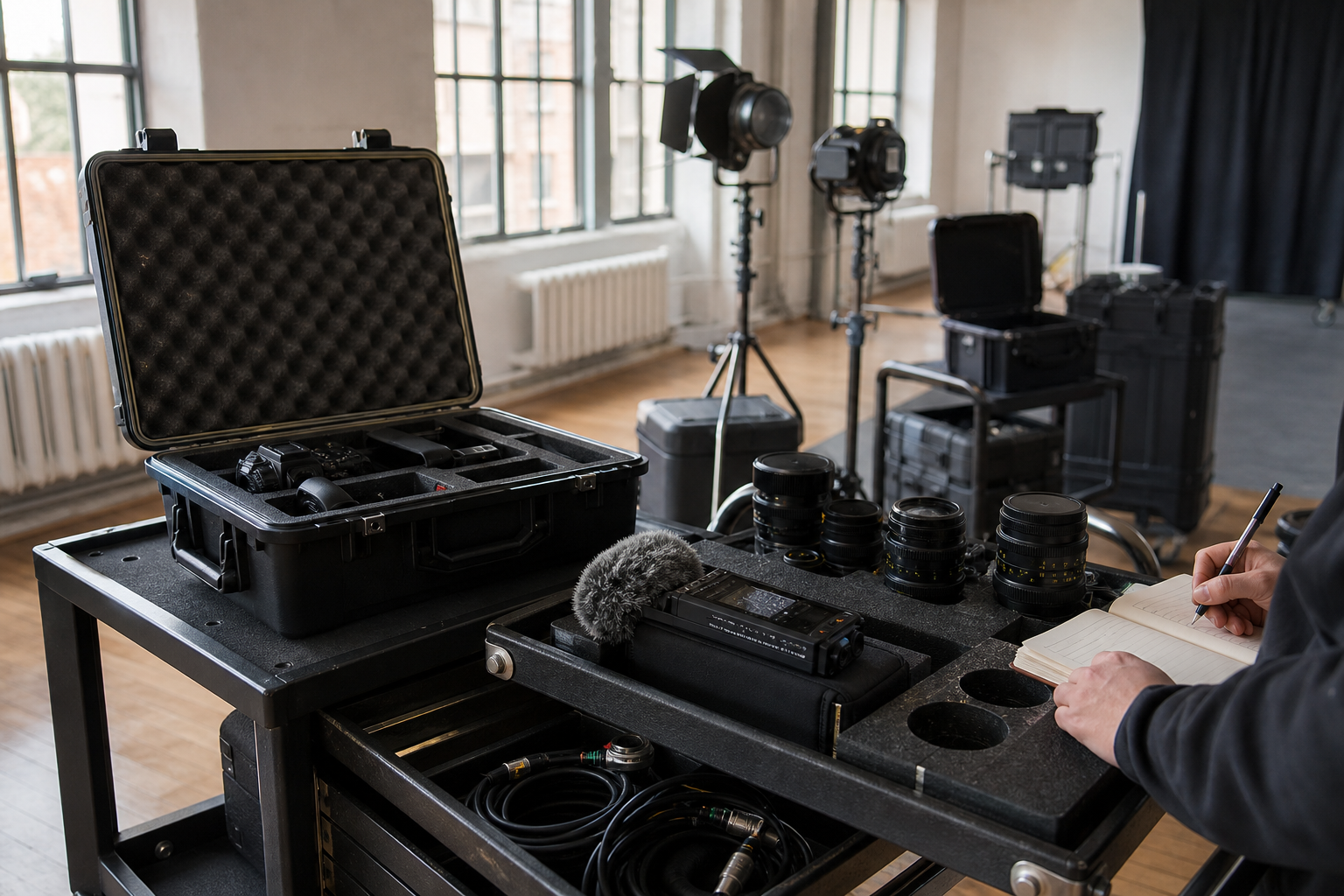
Inventorying film equipment before a location shoot by OpenAI image generation for SetScout Original image generated for SetScout; no third-party source image used
Film Equipment Insurance: Documenting Owned and Rented Gear
A practical checklist for cameras, lighting, sound and rented film equipment: confirm inventory, values, transport, storage and claims procedures before the shoot.
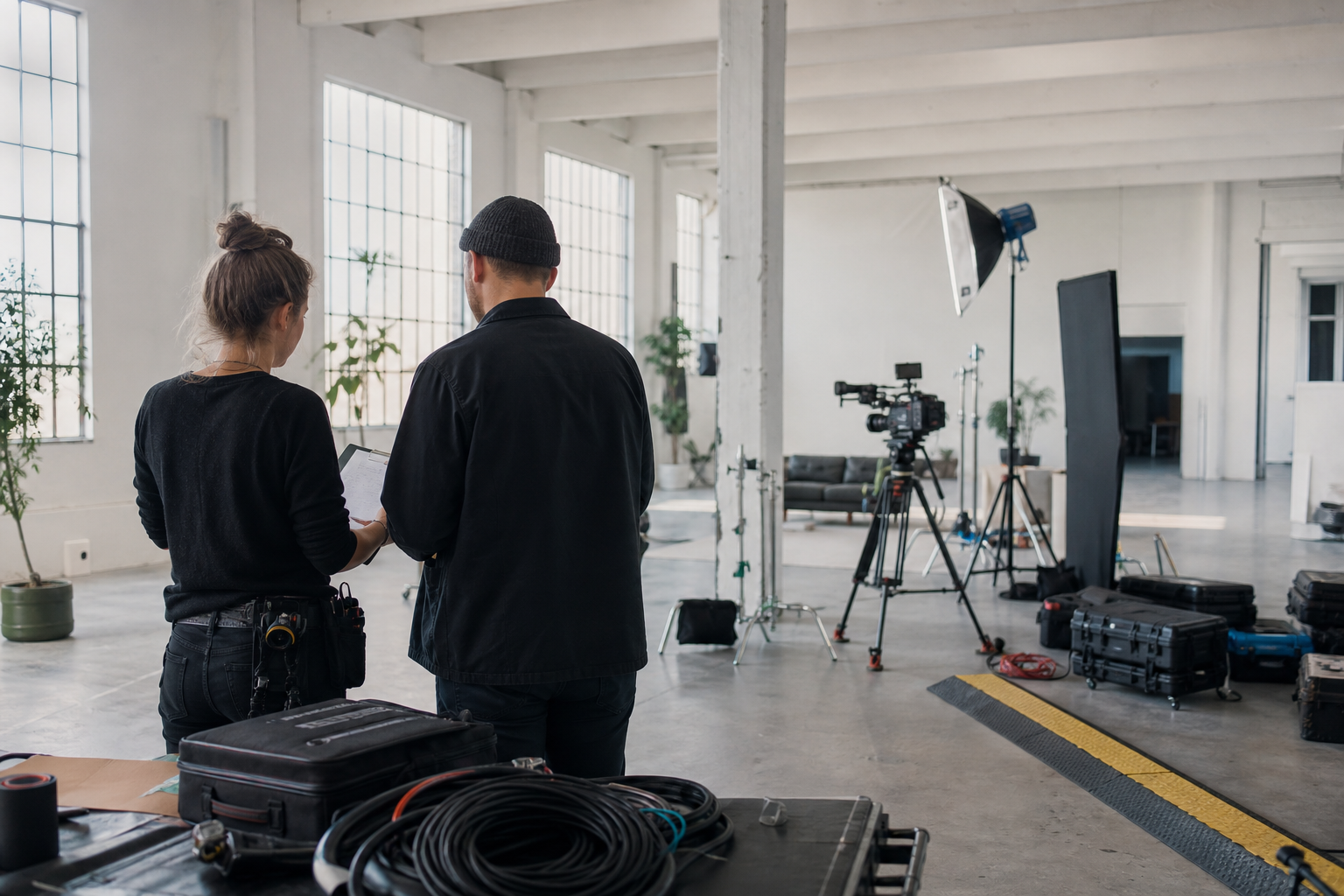
Film insurance for a production at a prepared location by OpenAI image generation for SetScout Original image generated for SetScout; no third-party source image used
Film Insurance for Productions: Coverage, Costs and Location Risks
Which insurance modules a film production should review, which details affect the premium and how to include locations properly in the risk assessment.